Choose what plays.
Switch receiver inputs, including TV ARC, from your iPhone or iPad.
AV receiver control · iPhone & iPad
Control your compatible JBL MA receiver from your iPhone or iPad. Better Remote brings input selection, volume controls and menu navigation together, with Zone B controls for MA7100HP and MA9100HP.
View on the App StoreFor iPhone and iPad · iOS / iPadOS 17.6 or later
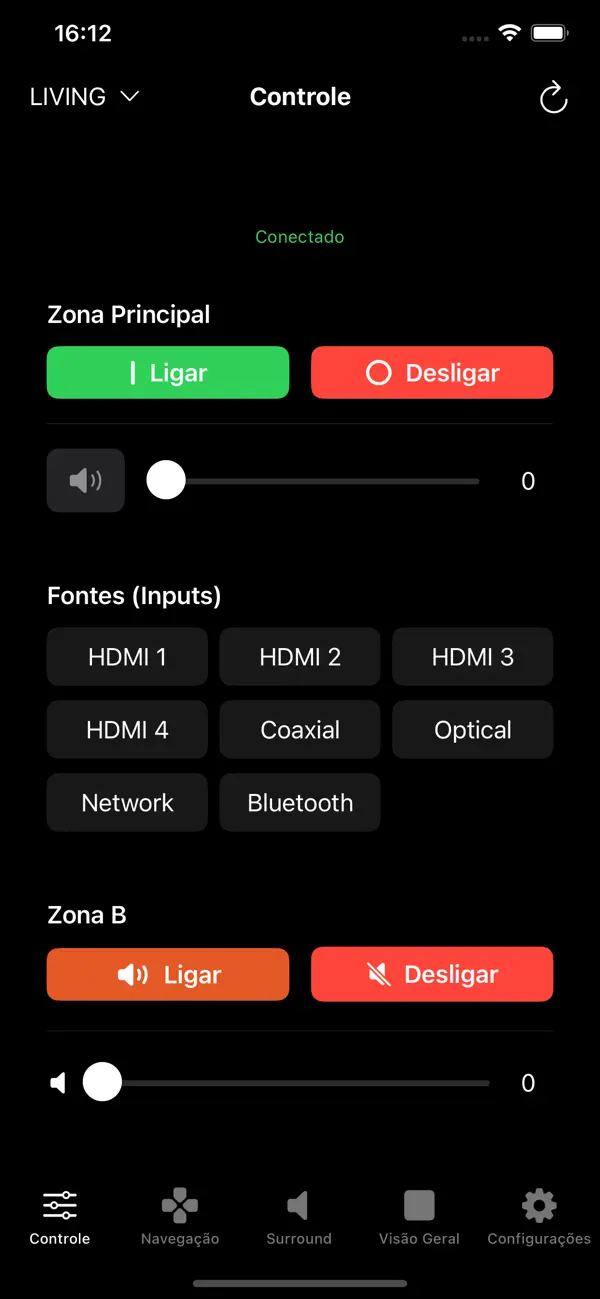
Actual app screen. Interface shown in Portuguese.
Made for these JBL MA receivers
Less switching. More listening.
Switch receiver inputs, including TV ARC, from your iPhone or iPad.
Turn Zone B on or off and adjust its volume on MA7100HP and MA9100HP.
Add multiple receivers and access their volume controls from one overview.
Use directional controls, menu and back without switching to a physical remote.
Actual app screen
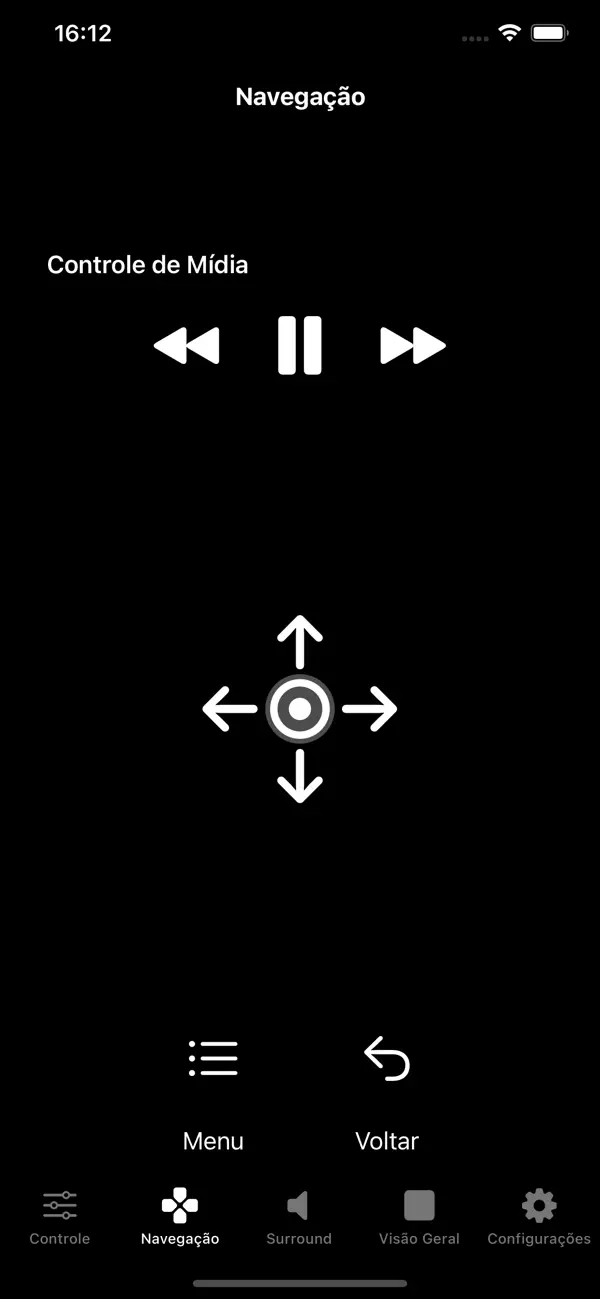
Actual app screen
Before you download
Compatible models: JBL MA510, MA7100HP and MA9100HP. Zone B controls are available for MA7100HP and MA9100HP only.
Better Remote is an independent app. It is not affiliated with, endorsed by or sponsored by JBL or HARMAN.
Ready to bring your controls together?
View on the App Store